


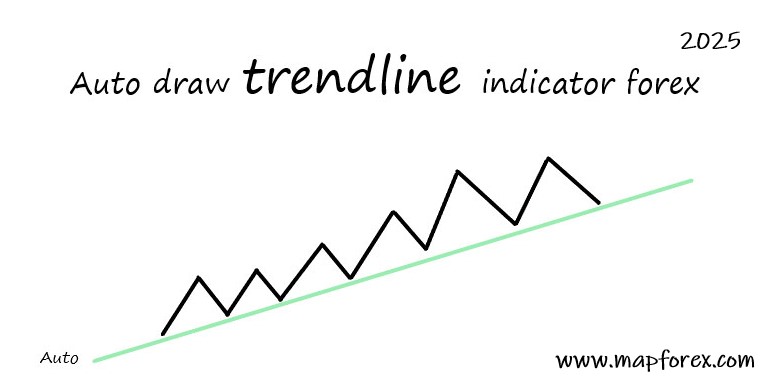
Auto draw trend line indicator forex 2025
We all know that the strategy of trend lines and channels is one of the most important and profitable forex trading strategies, in this article we want to introduce you to an excellent indicator that will automatically draw trend lines and micro trends for you.
Using this indicator, you can have different trend lines on the chart according to your taste and strategy, for example, you can change the length, extension and color of trendlines and microtrend lines, as well as many other things. This indicator can draw both upward and downward trendlines for you, in the continuation of this article, we will explain the use of this trendline completely, stay with us.
Auto Trend Lines [Anan]
Go to your Trading View account and search for Auto Trend Lines [Anan] in the Indicators section and add it to your chart.
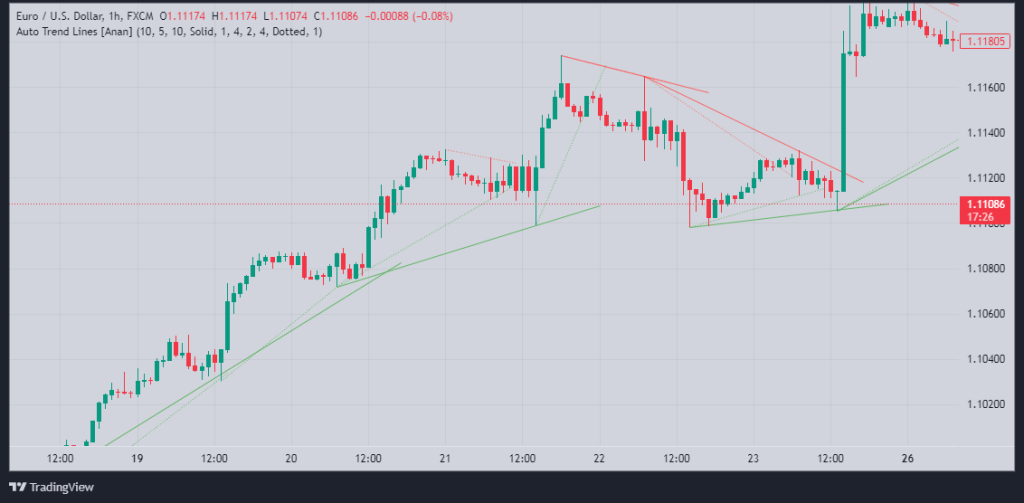
Photo by Trading View website
As you can see in the picture above, the Auto Trend Lines [Anan] indicator has simply drawn trend lines and micro trend lines for us. The bold lines are the trend lines and the lighter lines are the micro trend lines, which you can change their color or intensity.
As you know, micro trend lines formed in trends can create very good trading positions for us and this indicator, in addition to trend lines, also draws micro trend lines for us, and this is wonderful.
Auto Trend Lines [Anan] Indicator Settings
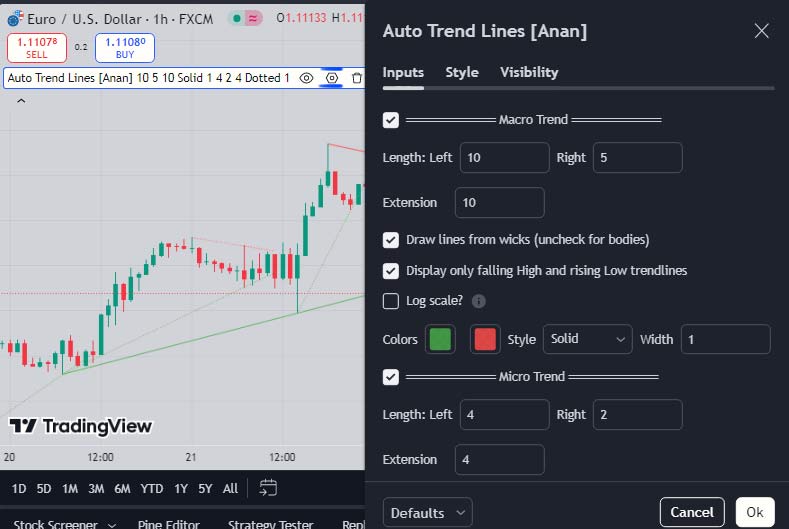
Photo by Trading View website
Also, by clicking on the settings option of this indicator, you can change the length and width, colors and many other things of your trend line and micro trend line. Now, by configuring this indicator according to your trading strategy and preferred timeframe, you can easily and automatically generate highly accurate trend lines on the chart to trade and analyze the chart using them.
We hope you enjoy this article.