



How Beginner Traders Can Use MetaTrader 4 to Trade and Earn Money
If you want to start trading in Forex, you need to know and learn the MetaTrader 4 software. MetaTrader 4 connects you to the Forex market through your broker account. With MetaTrader 4 you can easily trade and make money in Forex. It is available for Windows, Android and iOS.
How to use MetaTrader 4?
After installing MetaTrader 4 on your device, enter it and click on the Manage Account option and search for the name of your broker, then select your account model, now you need to enter your account password and username. After that you can easily start trading. In the rest of this article we will introduce you to the most important parts of MetaTrader 4. Stay with us
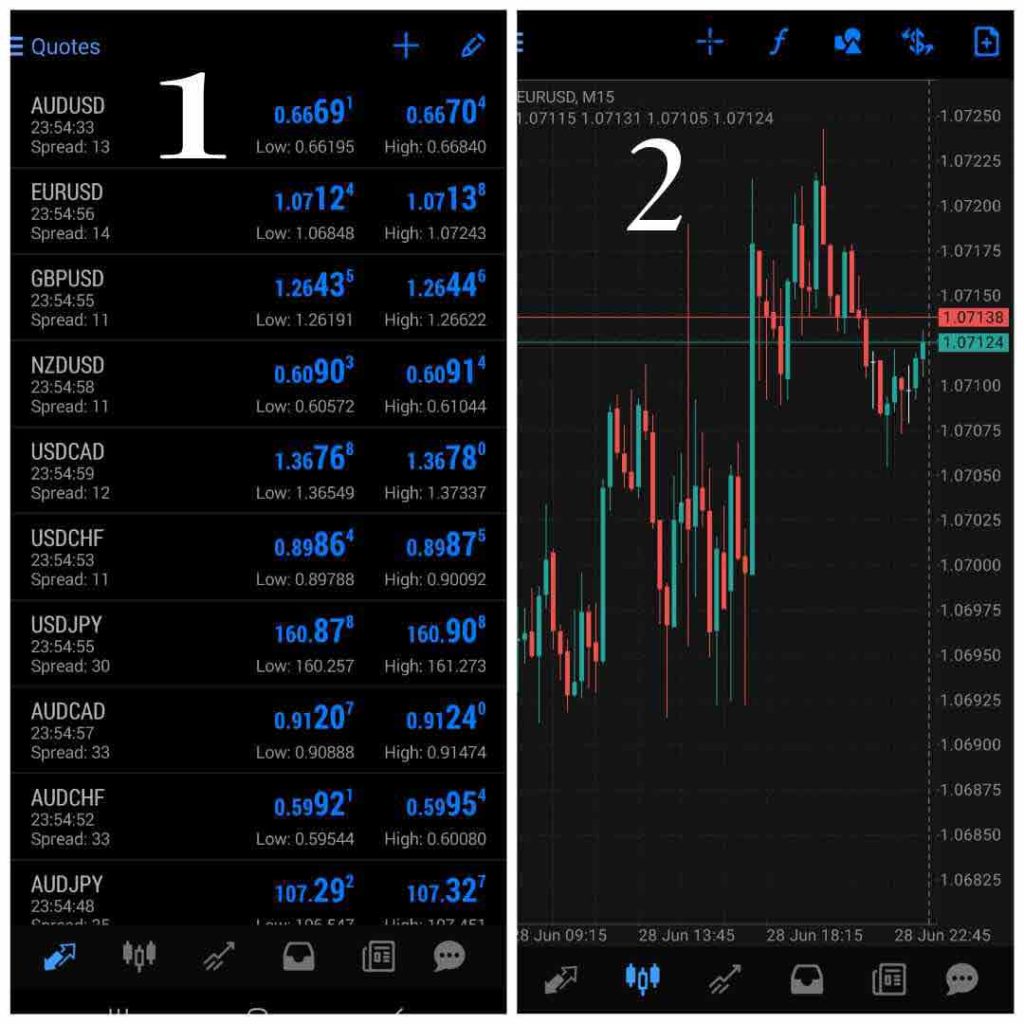
1_ At the bottom of the page, by clicking on the first option from the left, you can see the list of your currency pairs. On this page you can edit your list of currency pairs by clicking on the ” pen ” option. You can also add other currency pairs to your watch list by clicking on the + option.
2_ In the second window you can see your chart, your chart consists of candles by default.
You can see the price on the right side of the chart and the time at the bottom of the chart.
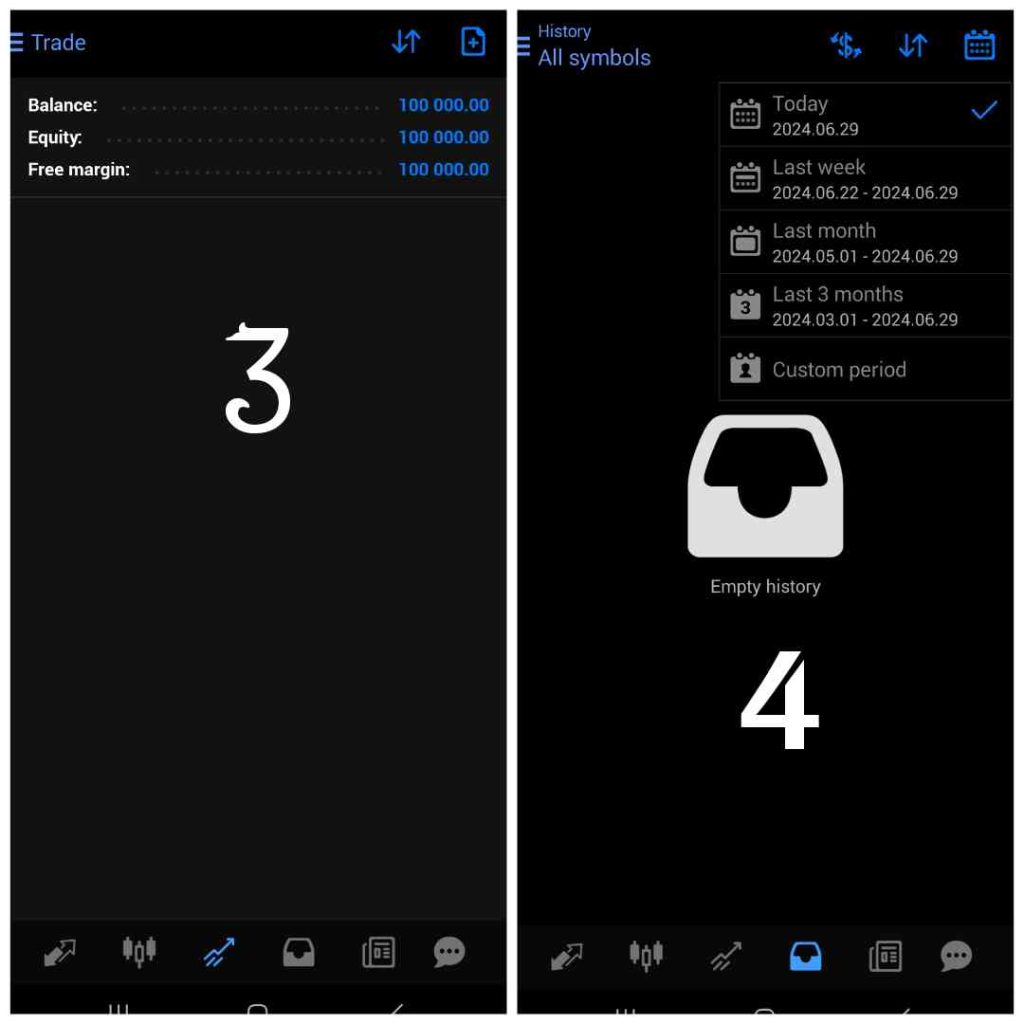
3_ The third page is for your trades, if you are trading and your trade is open, it will be displayed on this page and you can see it. On this page you can also see the details of your account and your trades, such as the amount of your balance, equity and free margin. You can open new trades by clicking on the first option from the right at the top of this page.
4_ The fourth page is about your trade history
On this page, by clicking on the first option from the right at the top of the page, you can see the history of your transactions in different time periods.
And as for the fifth page, this window is related to the news and you can follow important economic news related to the Forex market in this window, the last and sixth page is also related to your messages
We hope you enjoyed this article.